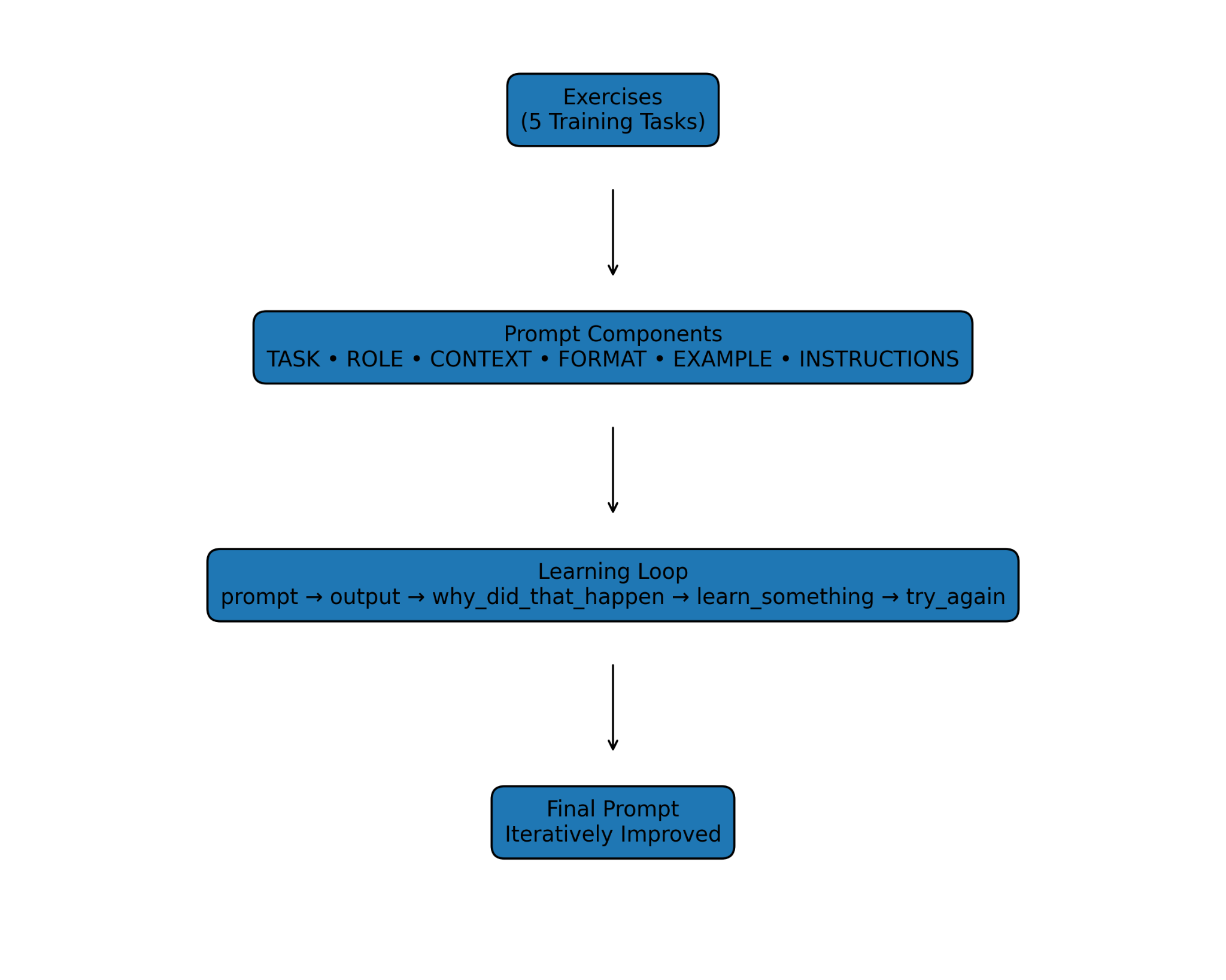
A static, practical guide for using Kokopelli effectively with reusable prompts.
Kokopelli is our AI learning and productivity product built to help you generate clear outputs from simple prompts. It turns questions into structured responses such as explanations, checklists, cheat sheets, and formatted documents. Kokopelli is designed for fast iteration: you can refine a prompt, request a revision, and converge on a final deliverable quickly. It works best when you specify the outcome you want, the audience, and any constraints. You can ask Kokopelli to adopt a role (teacher, analyst, editor, project manager) to shape the style and depth of the output. You can also request specific formats like bullet lists, tables, templates, or step-by-step sequences. Kokopelli can provide multiple options so you can compare and choose the best one. It can compress large topics into concise summaries for quick learning and reference. For important decisions, you should validate critical facts and treat outputs as drafts until confirmed. Used well, Kokopelli helps you move from intent to usable materials faster and more consistently.
Copy/paste these prompts as-is. Add more below as you collect them.
Teach prompt engineering in a very brief, practical way for a beginner.
Provide only the most important tips and tricks (no detailed explanations or theory).
Focus on actionable guidance someone can apply immediately.
Structure the response as:
What prompt engineering is (1–2 sentences)
5–7 key tips for writing better prompts
Before vs after examples showing weak vs strong prompts
A simple reusable prompt formula or template
Keep the response concise, clear, and easy to scan.
Provide a clear summary of Google Cloud CLI (gcloud) commands, including their purpose, common use cases, and example syntax.
Generate a structured, detailed cheat sheet for the Google Cloud CLI (gcloud).
Do NOT provide explanations, tutorials, or general overviews.
Provide a command reference organized by major service areas.
Structure the output exactly as follows:
For each service category include:
Service Name (e.g., Compute, Storage, IAM, Kubernetes, Networking, BigQuery)
Purpose (1 sentence only)
Common Commands (table format)
Command
What it does (short description)
Example syntax
Important flags/options
Typical workflows (step-by-step command sequences)
Power user tips or commonly used combinations
Include these service categories at minimum:
gcloud compute
gcloud storage (gsutil if relevant)
gcloud iam
gcloud container (GKE)
gcloud run
gcloud app
gcloud functions
gcloud config
gcloud projects
gcloud networking commands
Output should be concise, structured, and formatted for quick reference (cheat sheet style).
Act as an interactive command reference that mimics what --help provides, assuming I do not know the --help command exists.
I will provide a command or command group.
For the command I provide, return structured output that includes:
1. Command Purpose — one sentence.
2. Available Subcommands — list with short descriptions.
3. Command Syntax Pattern — general usage format.
4. Common Arguments and Flags — include required vs optional when relevant.
5. Usage Examples — practical command examples.
6. How to Drill Down Further — show the next commands I could run to get more specific details.
Format output as a structured cheat sheet with no extra explanation or narrative text.
After each response, prompt me to provide the next command to explore so I can drill down further.
I will start with:
<INSERT COMMAND HERE> with something concrete (example: gcloud run, then gcloud run services, then gcloud run services describe).